Setting the terminal title in zsh
By default, zsh doesn’t set the terminal title. That makes it harder to tell what application is running in each tab, or whether a long-running command has finished, without clicking through each tab to check.
Some terminal emulators can set the title for you. They usually build it from your username, hostname, current working directory, and sometimes the running command. Examples include Kitty and Ghostty (Ghostty’s shell integration originated as a fork of Kitty’s).
Even if your terminal already does this, the default format is unlikely to fit just how you work. If you SSH a lot, including the hostname is useful. If you never SSH and only work locally, the hostname is noise and takes up space.
Either way, it’s worth setting your own format. In zsh, prompt expansion and hooks make this straightforward.
Most terminal emulators on Linux and macOS support xterm’s escape sequence for setting the title. This is formed of the escape character \e]0; (or \033 in octal), followed by the title contents, and terminated by the bell character \a. To test support in your current terminal emulator, run:
printf "\e]0;Hello\a"
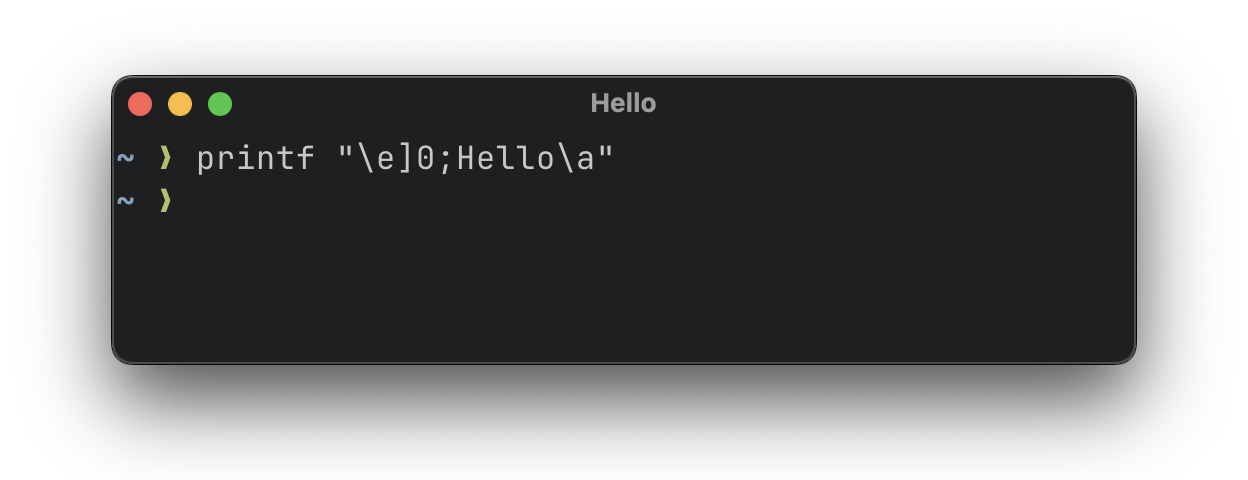
Alongside the POSIX printf built-in, zsh provides a print built-in, which is specific to zsh and offers extended functionality.
print has a -P flag, which expands the same prompt sequences you use in your prompt. A full listing of available prompt sequences is provided in the zsh documentation, but some frequently used examples are:
%n: the username of the current user (as returned by the shell, equal to the value of$USERin most environments).%m: the hostname of the current machine, up to the first..%~: the current working directory, with the value of$HOMEreplaced with~if it’s a subdirectory of$HOME.
So, to set the title to <username>@<hostname>: <cwd>, run:
print -Pn "\e]0;%n@%m: %~\a"
(the -n flag suppresses printing a trailing newline character).
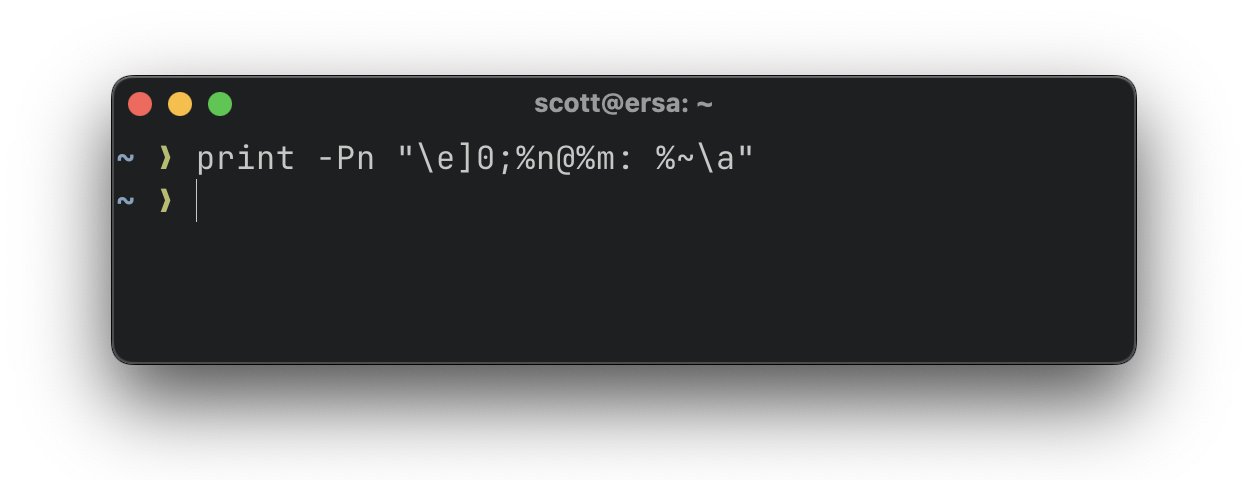
If you now move to a different directory with cd, the title will be wrong until you run the print command again. You can keep the title synchronised with the current state of the shell using zsh’s hooks.
Zsh’s hooks let you register functions that run when a specific event occurs, such as after the working directory changes. The two most useful events for setting the title are precmd, triggered before each new prompt is drawn, and preexec, triggered before a command is executed.
The add-zsh-hook function allows adding a function to be triggered on a given event, and must first be loaded with:
autoload -Uz add-zsh-hook
You can then add a function which calls print to set the title each time a new prompt is drawn, by adding a hook to the precmd event:
_precmd_title() {
  print -Pn "\e]0;%n@%m: %~\a"
}

add-zsh-hook precmd _precmd_title
In contrast to precmd hooks, preexec hooks run after you’ve entered a command, but before it executes, so you can include the command in the title. Functions registered for preexec are called with positional arguments, the second of which is the command line that will be run. You can reuse the same format as the precmd hook and append $2:
_preexec_title() {
  print -Pn "\e]0;%n@%m: %~ — $2\a"
}

add-zsh-hook preexec _preexec_title
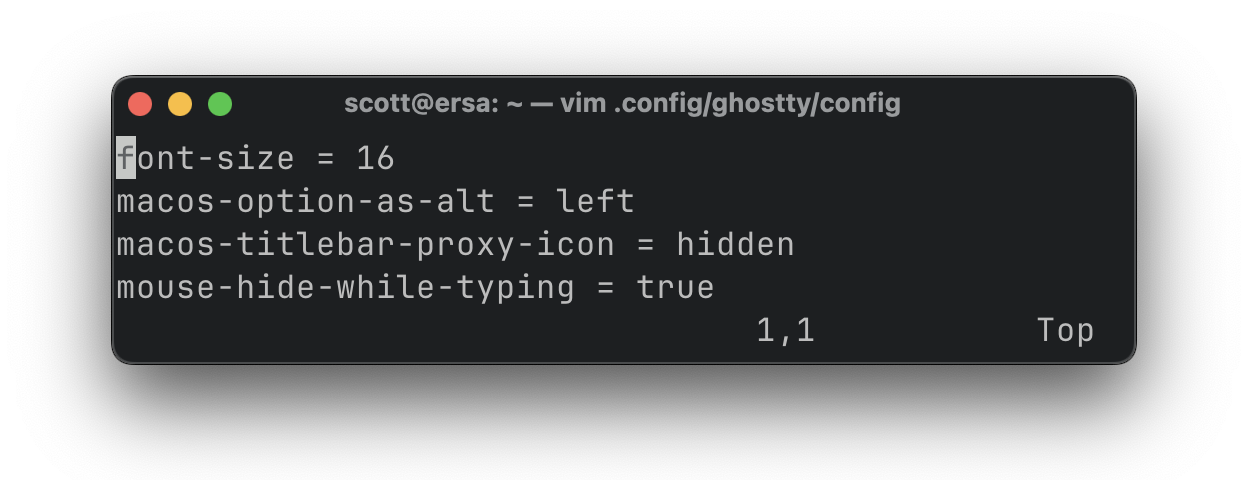
When a command exits, a new prompt will be drawn, triggering the precmd hook again, which will set the title back to not include a command name.
To use these hooks, make sure to disable title setting in your terminal emulator; otherwise, your own hooks will be overridden. For example, set shell_integration no-title in ~/.config/kitty/kitty.conf for Kitty, and shell-integration-features = no-title in ~/.config/ghostty/config for Ghostty.
Putting this all together, you can set the title to show the username, hostname, working directory, and current command (when one is running), and keep the title up to date, by adding the following to ~/.zshrc:
autoload -Uz add-zsh-hook

_precmd_title() {
  print -Pn "\e]0;%n@%m: %~\a"
}

_preexec_title() {
  print -Pn "\e]0;%n@%m: %~ — $2\a"
}

add-zsh-hook precmd _precmd_title
add-zsh-hook preexec _preexec_title
You can further customise this with a few checks in precmd or preexec. For example, if you only want the username and hostname when you’re connected via SSH, branch on $SSH_CONNECTION being set:
if [[ -n "$SSH_CONNECTION" ]]; then
  print -Pn "\e]0;%n@%m: %~\a"
else
  print -Pn "\e]0;%~\a"
fi
From there, tweak the format to add contextual information based on how you use your terminal.